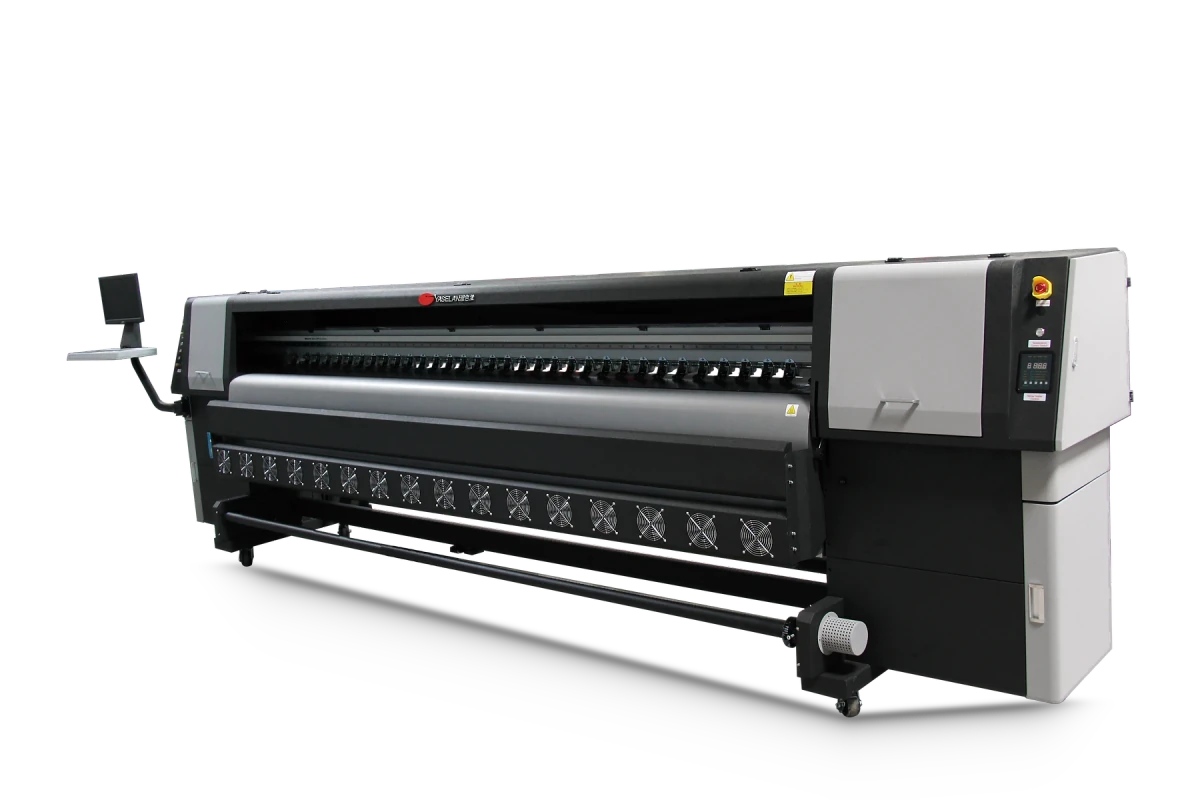
4 or 8 Konica 512i heads
The 8-head setup prints 240 m²/h at 480 × 360 dpi (2-pass), 160 m²/h at 480 × 540 dpi and 120 m²/h at 480 × 720 dpi. The 4-head setup runs at 120, 80 and 60 m²/h, a lower entry cost for growing shops.
The YSL-CK8 is a solvent banner printing machine for outdoor flex, vinyl and leather media, with four or eight Konica KM512i heads and up to 240 m²/h.
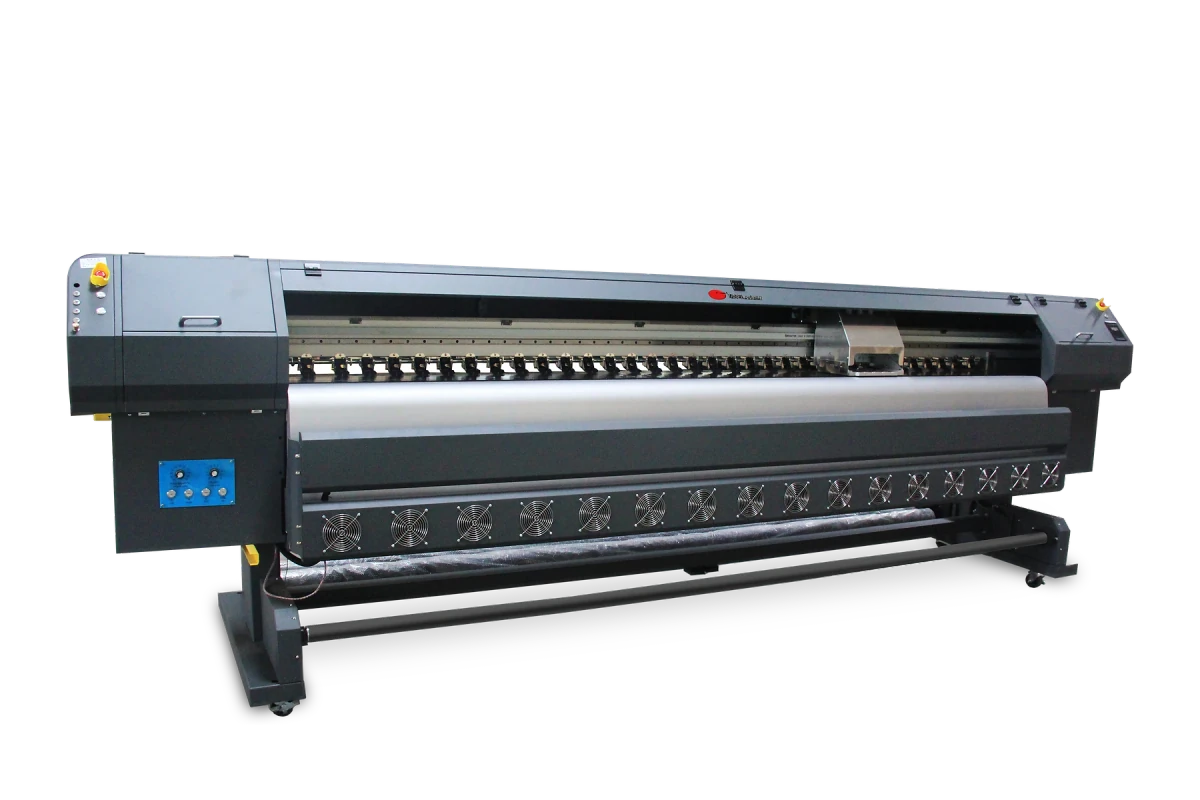
The 8-head setup prints 240 m²/h at 480 × 360 dpi (2-pass), 160 m²/h at 480 × 540 dpi and 120 m²/h at 480 × 720 dpi. The 4-head setup runs at 120, 80 and 60 m²/h, a lower entry cost for growing shops.
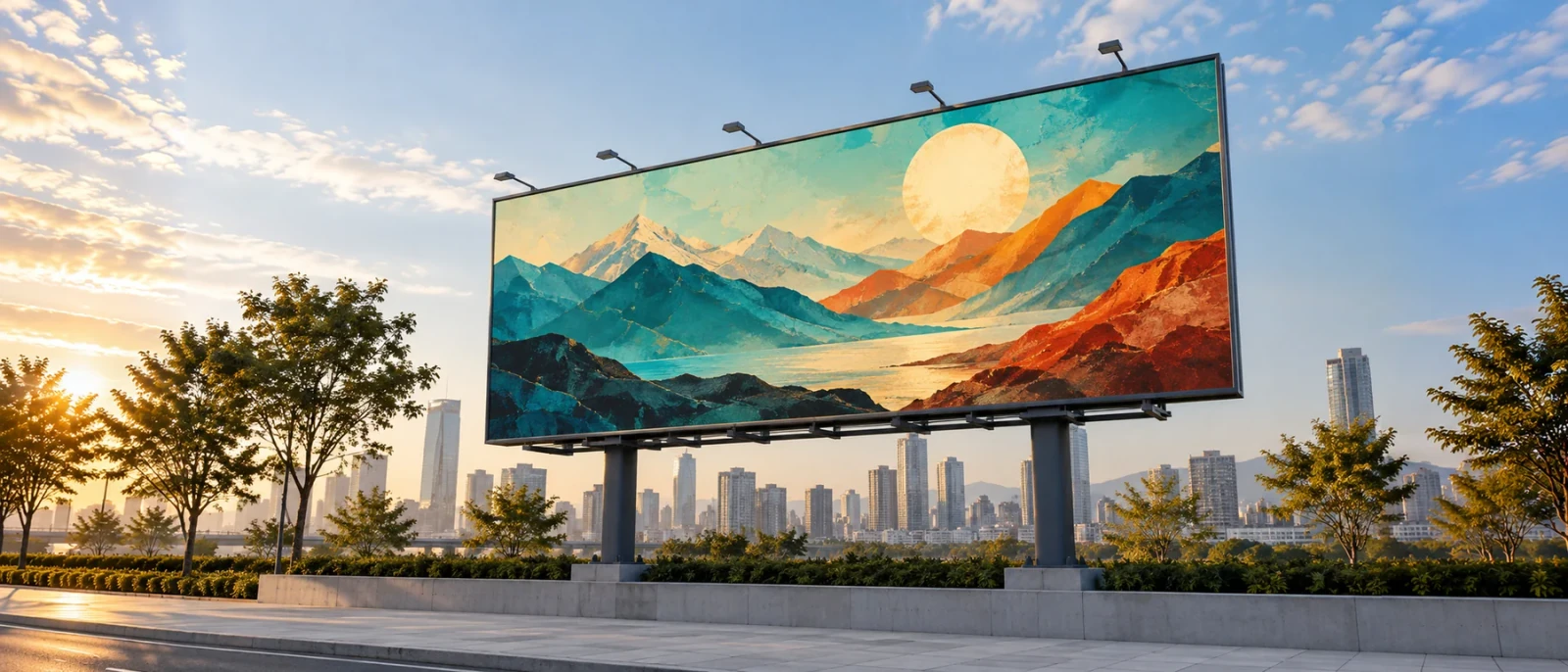
Solvent ink grips flex, vinyl, leather and artificial leather for outdoor signs and billboards. The CK8 prints media up to 5 mm thick.
At 700 kg net and 4,650 × 980 × 1,430 mm, the CK8 fits a standard workshop and draws 3,500 W. Maintop RIP is included, with PhotoPrint as an option.
| Printhead options | Konica KM512i: 4 or 8 heads | ||||||||||||||||||||
|---|---|---|---|---|---|---|---|---|---|---|---|---|---|---|---|---|---|---|---|---|---|
| Print speed |
| ||||||||||||||||||||
| Print width | 3.2 m, roll to roll | ||||||||||||||||||||
| Max media thickness | ≤ 5 mm | ||||||||||||||||||||
| Gross / net weight | 850 kg / 700 kg | ||||||||||||||||||||
| File formats | TIFF / JPG / EPS / PDF | ||||||||||||||||||||
| RIP software | Maintop (standard) / PhotoPrint (option) | ||||||||||||||||||||
| Power | 3,500 W | ||||||||||||||||||||
| Media | Outdoor solvent media (flex, vinyl, leather, artificial leather) | ||||||||||||||||||||
| Operating environment | 20–30 °C, 60–70% humidity | ||||||||||||||||||||
| Power supply | AC 220 V ±10%, 50 Hz | ||||||||||||||||||||
| Ink type | Solvent | ||||||||||||||||||||
| Ink colors | C / M / Y / K | ||||||||||||||||||||
| Shipping dimensions (L × W × H) | 5,100 × 750 × 1,130 mm | ||||||||||||||||||||
| Machine dimensions (L × W × H) | 4,650 × 980 × 1,430 mm | ||||||||||||||||||||
| Computer | 8 GB RAM, 500 GB SATA disk (NTFS) |
Send us your material, print width and the products you make. We will recommend a model, head setup and ink, and reply with a quote.
sales@yaselanprinters.com